AI Powered
The Stack
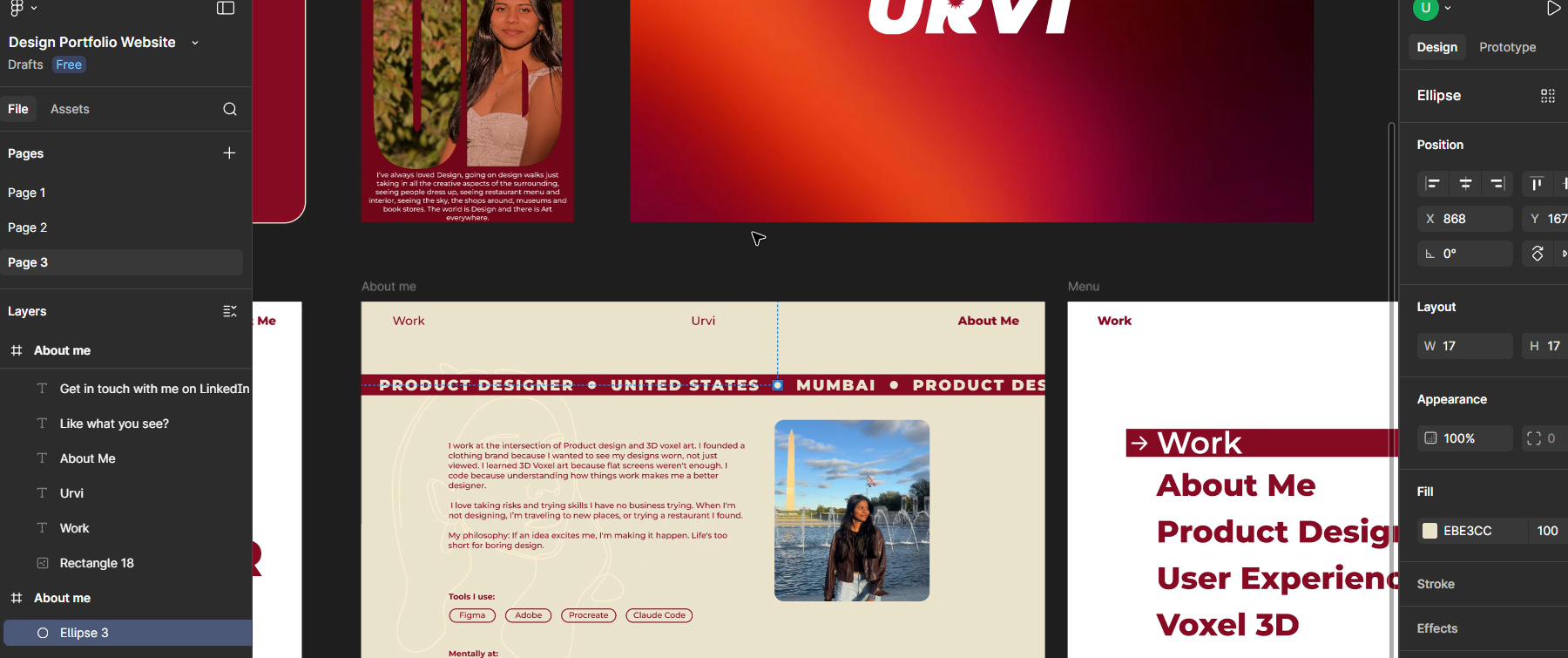
Figma → Claude Code → GitHub
The Story
I vibecoded my entire portfolio using AI-powered development tools, transforming the traditional development workflow into a collaborative experience between human creativity and artificial intelligence.
Design Phase
Started in Figma, crafting wireframes and visual concepts that would later guide the AI development process. The design became my blueprint—a visual language that Claude would help translate into production code.
Development with Claude Code
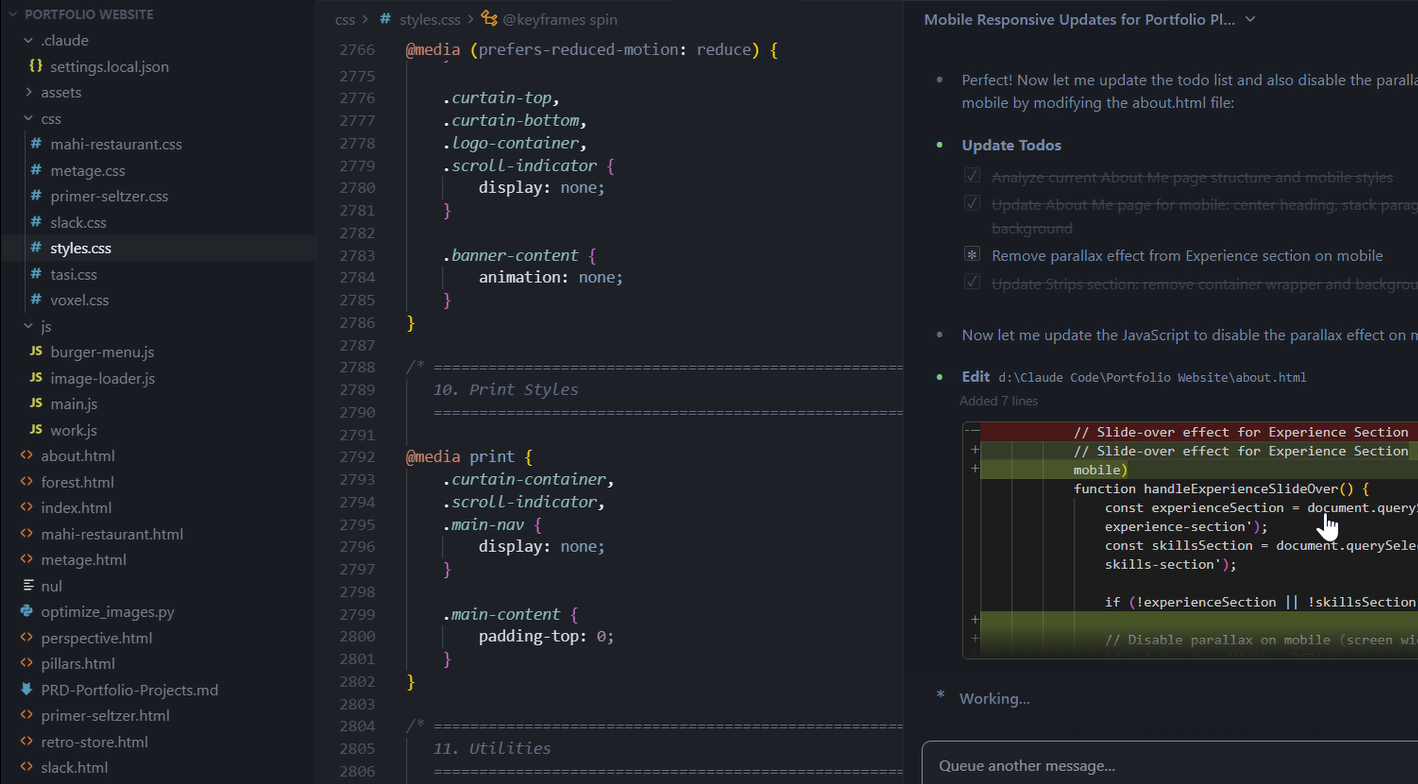
Rather than writing every line manually, I partnered with Claude Code to build the entire frontend. Through conversational prompting, I directed the AI to:
- Generate responsive component structures
- Implement complex animations and interactions
- Optimize performance and accessibility
- Debug issues in real-time
- Iterate on design decisions rapidly
The key insight: AI doesn't replace the developer—it amplifies them. I remained in the driver's seat, making architectural decisions while Claude handled the repetitive coding tasks.
What I Learned
Speed without sacrifice: AI-powered development compressed a multi-week project into days without compromising quality. The key was learning how to effectively communicate intent to AI.
Iterative dialogue: The best results came from treating Claude as a collaborator—asking questions, requesting alternatives, and refining together rather than expecting perfect outputs on first try.
Creative control remains human: While AI generated code, all creative decisions—layout, color theory, user experience flow—remained mine. AI accelerated execution, not ideation.