Learn Marathi
The Product & The Problem
Learn Marathi is a solo-built, full-stack language learning web app for travellers and heritage speakers connecting to Maharashtra; not another vocabulary drilling app.
Duolingo doesn’t teach Marathi. Google Translate handles isolated words. Neither helps someone feel cultural context, confidence, or belonging when they actually visit Maharashtra or reconnect with their heritage. With 83 million Marathi speakers, the diaspora and travellers had no structured, culturally intelligent resource; just fragments.
The sharpest insight came from a pivot: the original PRD scoped a broad platform for diaspora and heritage speakers, script-first, coverage over depth. Talking to real users surfaced a sharper need; a traveller visiting Maharashtra who wanted cultural connection, not a grammar test. That reframing changed everything downstream: information architecture, content strategy, and interaction model.
My Role & Contribution
Product design, frontend/backend development, and deployment, end to end.
Product direction
Defined the problem, ran the user pivot, scoped what shipped vs. cut.
UX/UI design
Built the full Figma component library before writing production code.
Frontend
Next.js 15 App Router, Server Components.
Backend
Supabase (Postgres + Auth), with Row-Level Security.
Infra
Vercel deployment, custom domain, DNS configuration, SEO metadata.
Build tooling
Directed Claude Code for implementation, with design specs driving output quality.
This wasn’t a design-then-build handoff; it was a tight loop: design a component, build it, learn from the build, return to design.
Key Design Decisions
(Only the ones that mattered; each traces back to the one user: a traveller wanting cultural fluency.)
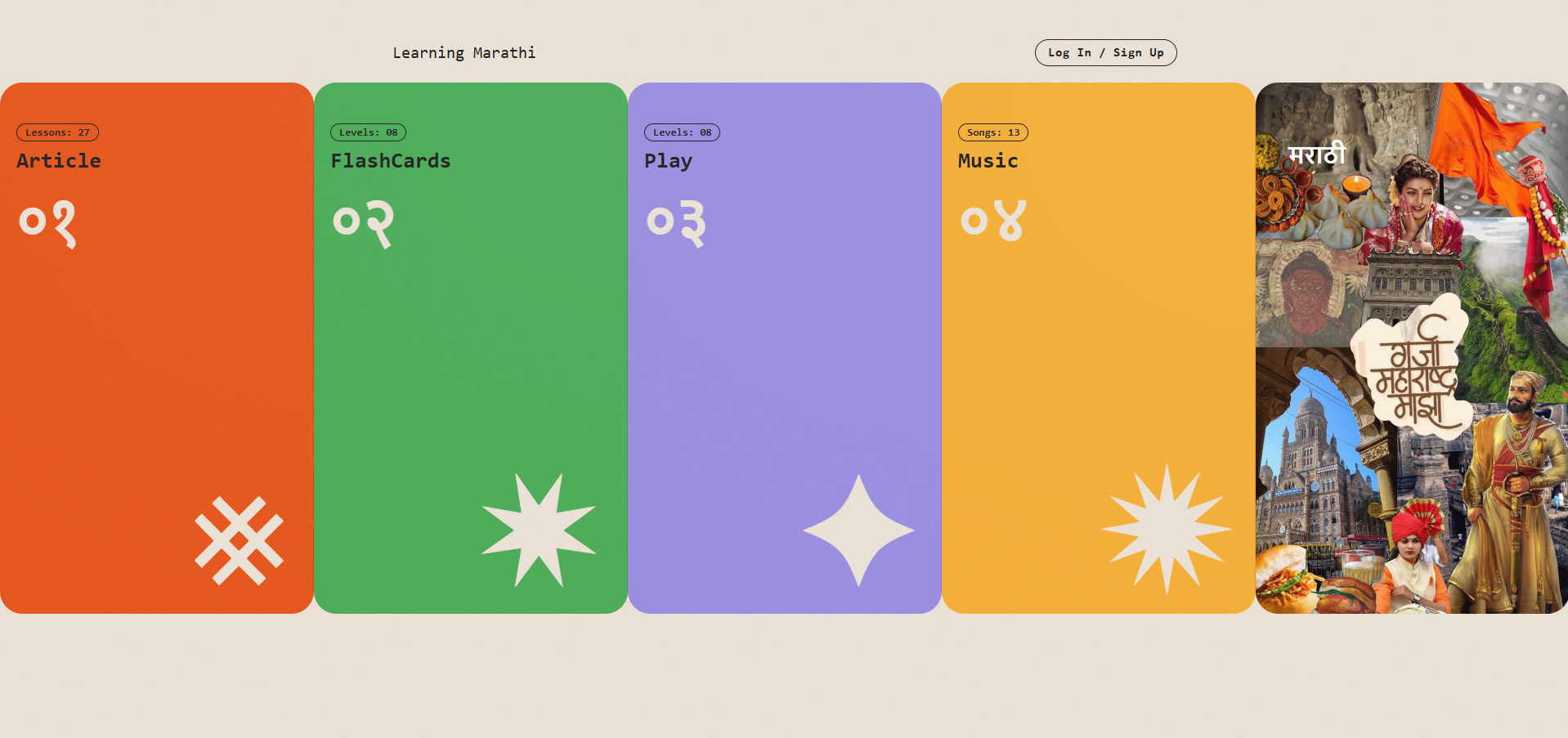
Script (Devanagari), spoken phrases, cultural context, and travel scenarios each serve a distinct intent. Depth over breadth.
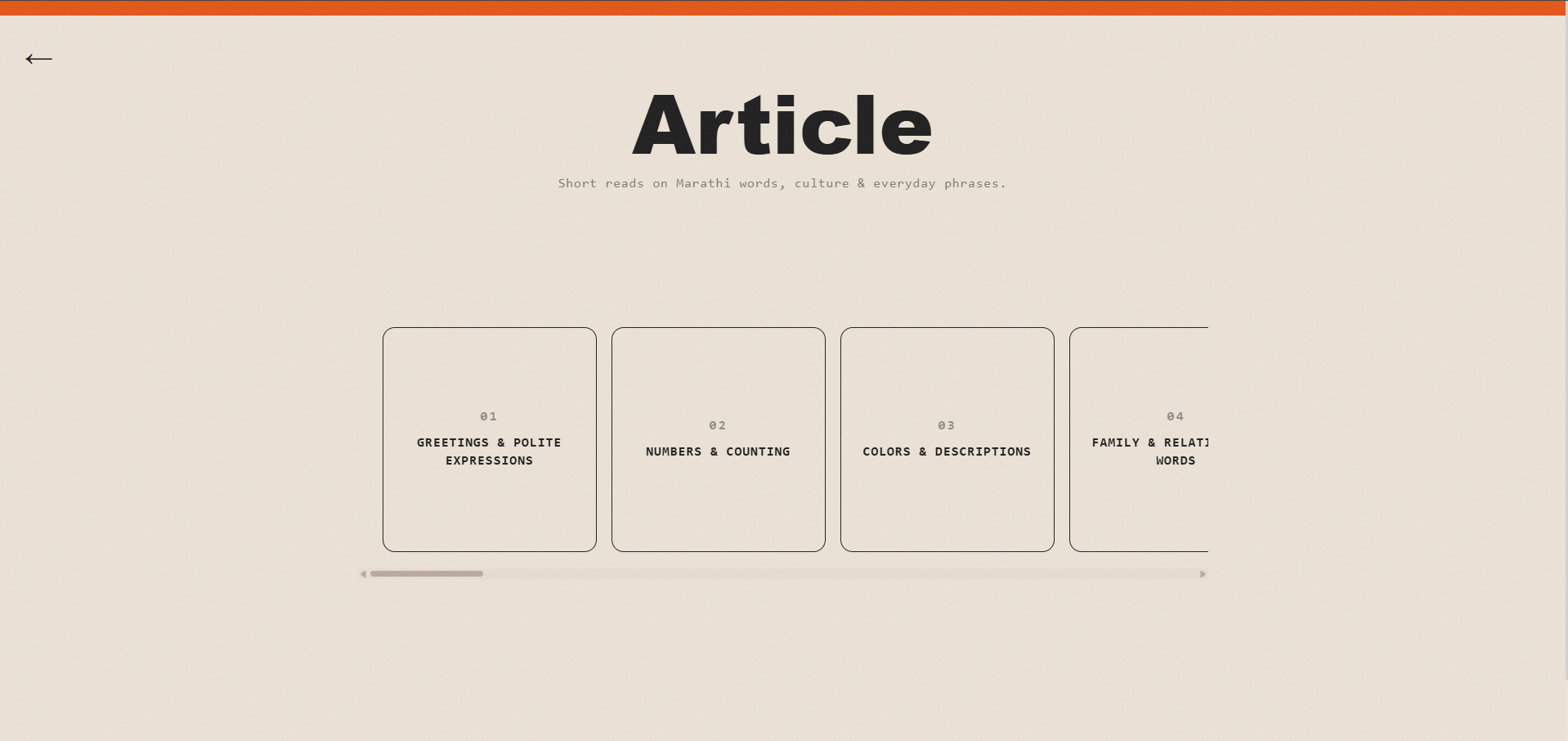
Learners can drop into any lesson directly, structured and searchable rather than gated behind a funnel.
Hold to reveal transliteration/translation, encouraging immersion without abandoning learners unfamiliar with Devanagari.
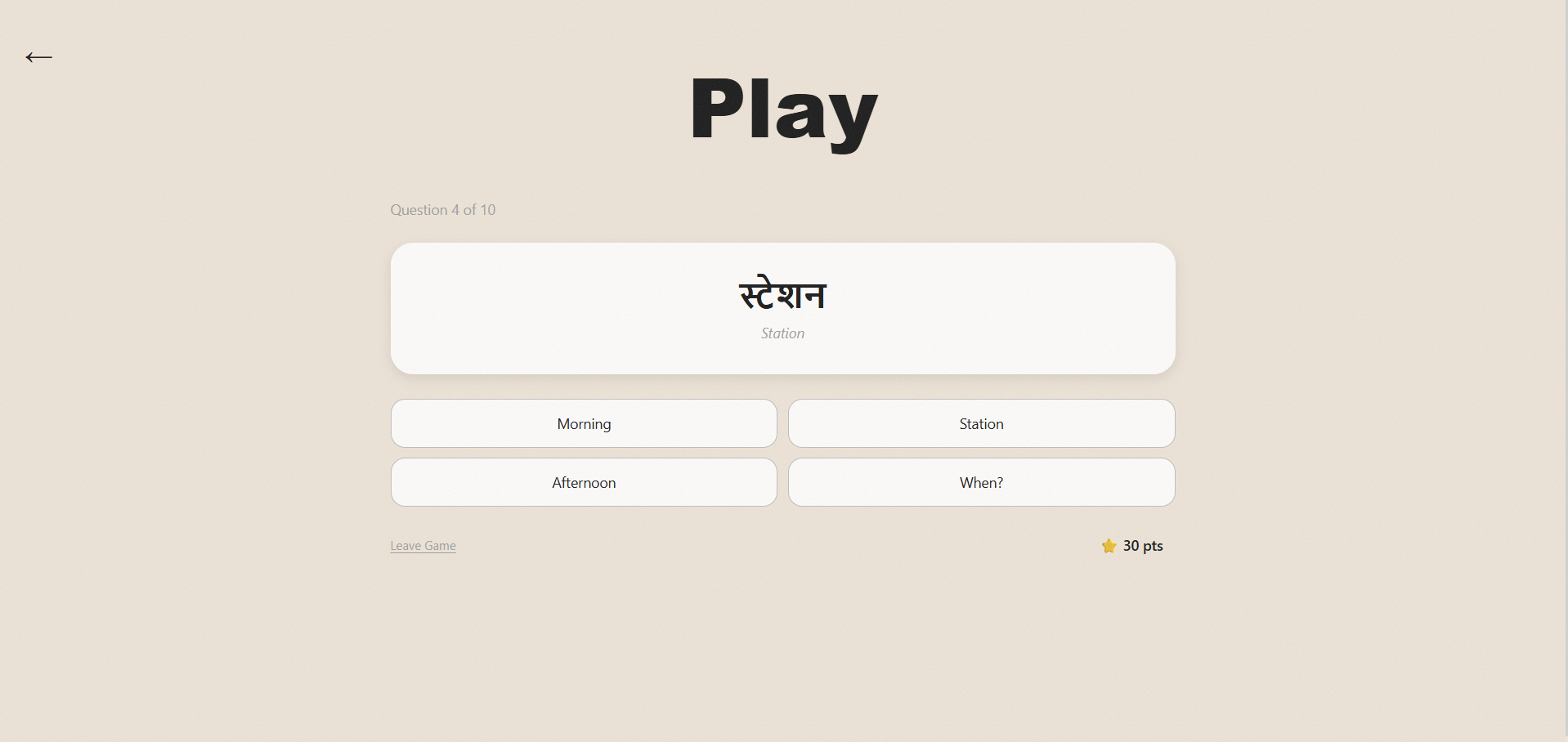
5–10 task sets with non-punishing feedback (“Almost; you mixed up two letters”) instead of a red failure screen.
Travellers are on phones; desktop was treated as progressive enhancement, not the default canvas.
The Outcome
54
indexed lesson pages live in production
4
learning modes shipped (script, phrases, culture, travel scenarios)
1
designer, developer, and PM
0
external dependencies beyond Supabase/Vercel
What it taught me: naming the user precisely; “a traveller wanting cultural connection,” not “a Marathi learner”; was the single decision that clarified everything else. And AI tooling amplified thinking rather than replacing it: the quality of Claude Code’s output mirrored the quality of my own upstream design thinking. Vague direction produced vague code; precise specs produced precise builds.